Guided breathing
Start with paced breathing or the 30-second Guided Reset.
Choose a rhythm from the breathing library, start the session and follow the on-screen orb. For the shortest pause, open the separate 30-second Guided Reset.
On iPhone, start with a 30-second Guided Reset. On Mac, choose guided breathing, Focus or a sound mix. PulseWave is also available on Android.
Free to download. Breathwork is free to start; optional monthly or annual Premium adds the deeper session library and custom sound creator. Premium prices and trial terms.
Or choose directly: App Store · Google Play
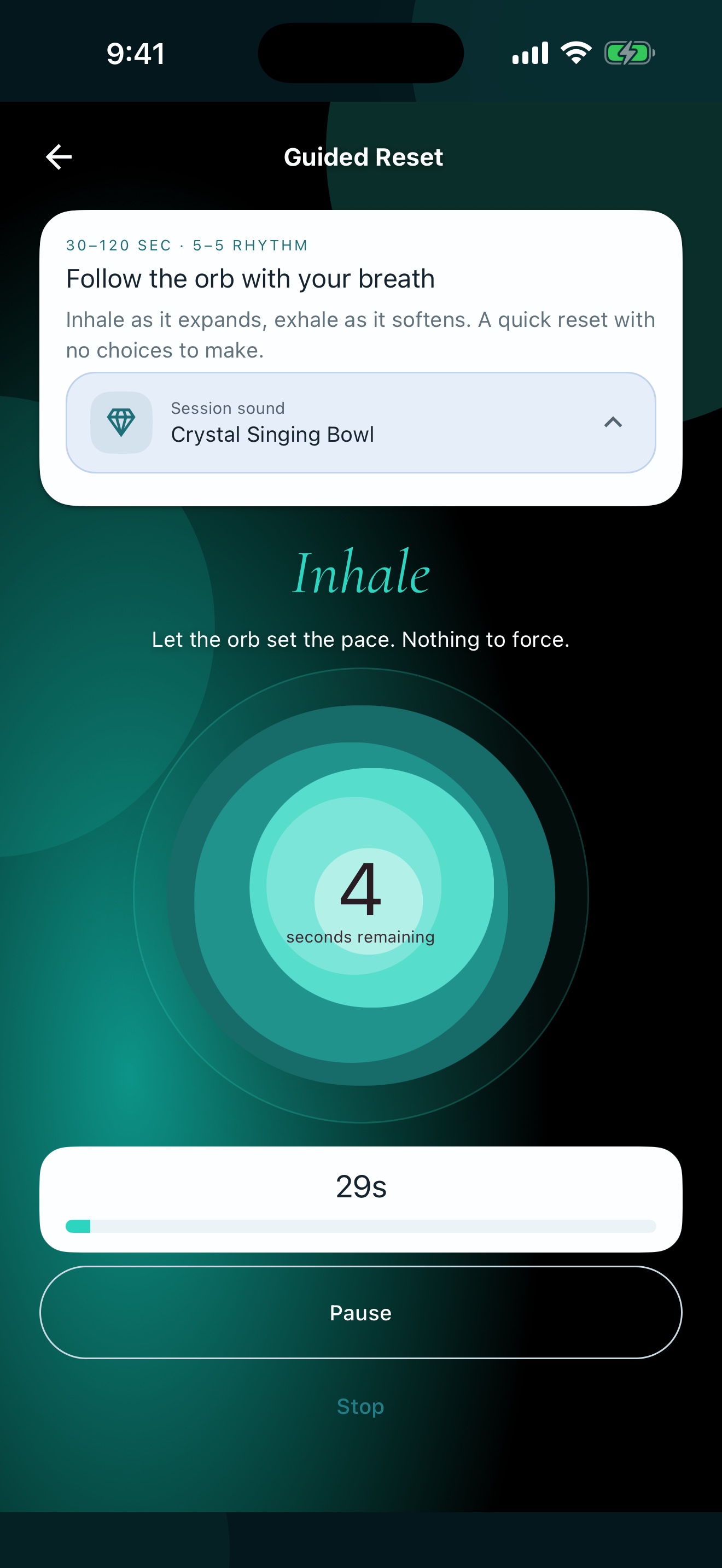
PulseWave offers guided breathing, tapping, meditation, sleep and sound on iPhone and Android. On iPhone, start with a 30-second Guided Reset; on Mac, choose guided breathing, Focus or a sound mix. It is a wellness tool, not a medical device.
Start a guided breathing session between two tasks. For a longer work block, run a Focus session and shape a sound mix from the main window or menu bar.
Available now on iPhone and Android. PulseWave is also available for Mac as a separate download from the Mac App Store.
Start with paced breathing or the 30-second Guided Reset.
Choose a rhythm from the breathing library, start the session and follow the on-screen orb. For the shortest pause, open the separate 30-second Guided Reset.
Try box 4-4-4-4, 4-7-8 or coherent breathing in your browser before you download.
Follow a clear, step-by-step tapping sequence when you want a structured pause.
Open a tapping sequence and move through its prompts one step at a time.
Choose a guided meditation or hypnosis session when you want to stay with one practice for longer.
Pick a guided meditation or hypnosis session, start the audio and follow it at your own pace. The player keeps the current session in view.
Set up a quieter evening with a sleep session, a timer and audio that fades when you choose. Use the app in a comfortable setting, never while driving or operating equipment.
Choose a sleep session or a sound, set the timer and let the audio fade out at the time you chose.
Mix noise, nature layers and guided audio in real time.
Add noise and nature sounds as separate layers, then adjust the mix while it plays.
Use guided breathing, Focus and saved sound mixes from the Mac app. In a vehicle, use only safe, non-distracting controls.
The Mac app offers guided breathing sessions starting at three minutes, a one-minute breathing pause after Focus, and a live soundscape mixer. Choose audio on iPhone before driving; CarPlay provides the system audio controls.
No named account is required. Coaching inference runs on-device. Journal and mood entries stay on-device by default and sync only after separate cloud-sync consent. PulseWave uses an anonymous Firebase identity and RevenueCat for requested account and subscription functionality. Optional analytics, diagnostics and notifications require consent. No advertising or cross-app tracking.
PulseWave does not diagnose, treat, cure or prevent a medical or mental-health condition. Stop a practice if it feels wrong for you. Ask a qualified professional about symptoms or care decisions.
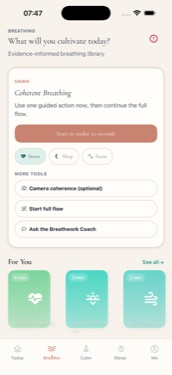
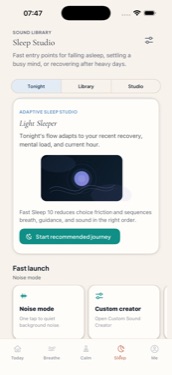
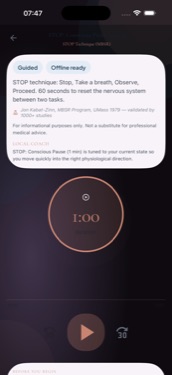
Yes. PulseWave is available as a separate download from the Mac App Store, with guided breathing, Focus sessions and a live soundscape mixer.
No. It is a wellness tool, not a medical device.
On iPhone, try the 30-second Guided Reset. On Mac, start a guided breathing session or a Focus session.
No named account is required. Coaching inference runs on-device. Journal and mood entries stay on-device by default and sync only after separate cloud-sync consent. PulseWave uses an anonymous Firebase identity and RevenueCat for requested account and subscription functionality. Optional analytics, diagnostics and notifications require consent. No advertising or cross-app tracking.
No. Do not use binaural or isochronic audio while driving, cycling, or operating machinery.