Roundtable AI · Private beta
Choose a compatible local GGUF model
Select a model for its memory needs, speed, licence and behaviour rather than assuming every GGUF file will work the same way.
Start with the task
A smaller model can be useful for a quick role, while a larger model may handle more demanding analysis. The right choice depends on the discussion and the memory available on your Mac.
Check compatibility before the session
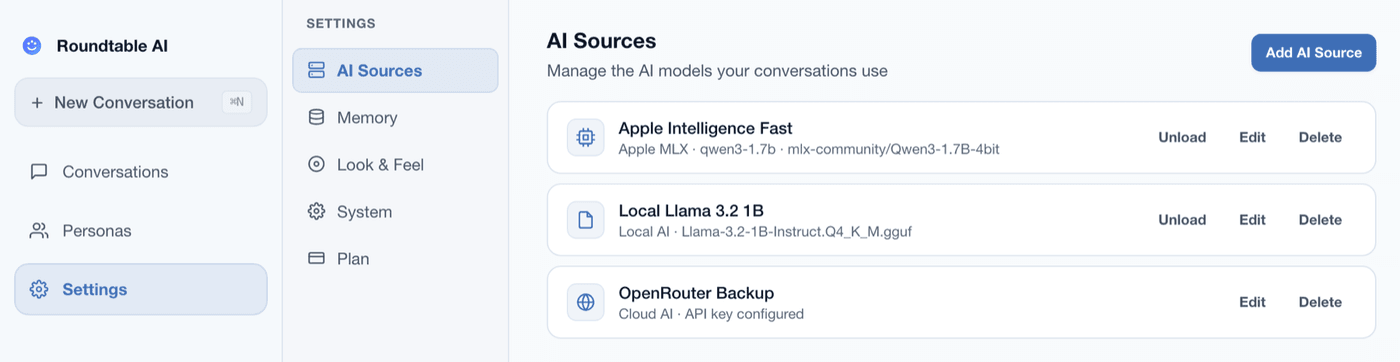
Obtain the model separately and review its format, quantization and memory requirements. Add it to Roundtable AI and confirm that it loads before assigning it to several agents.
Review the model source
Community models have their own licences, documentation and safety characteristics. Read the model card and choose a source you trust for the material you plan to discuss.
Request private beta access
Send an access request for the Apple silicon Mac beta. A request does not guarantee an immediate invitation; access depends on current testing capacity.
Request beta access