Roundtable AI · macOS · Private beta
Put one question in front of several perspectives.
Roundtable AI is a Mac app for structured discussions between AI agents with different roles. You can guide the exchange and explore possible decisions as hypothetical scenarios.
Request beta accessApple silicon Mac with macOS 13 or later. Bring a compatible local GGUF model or connect your own OpenRouter account.
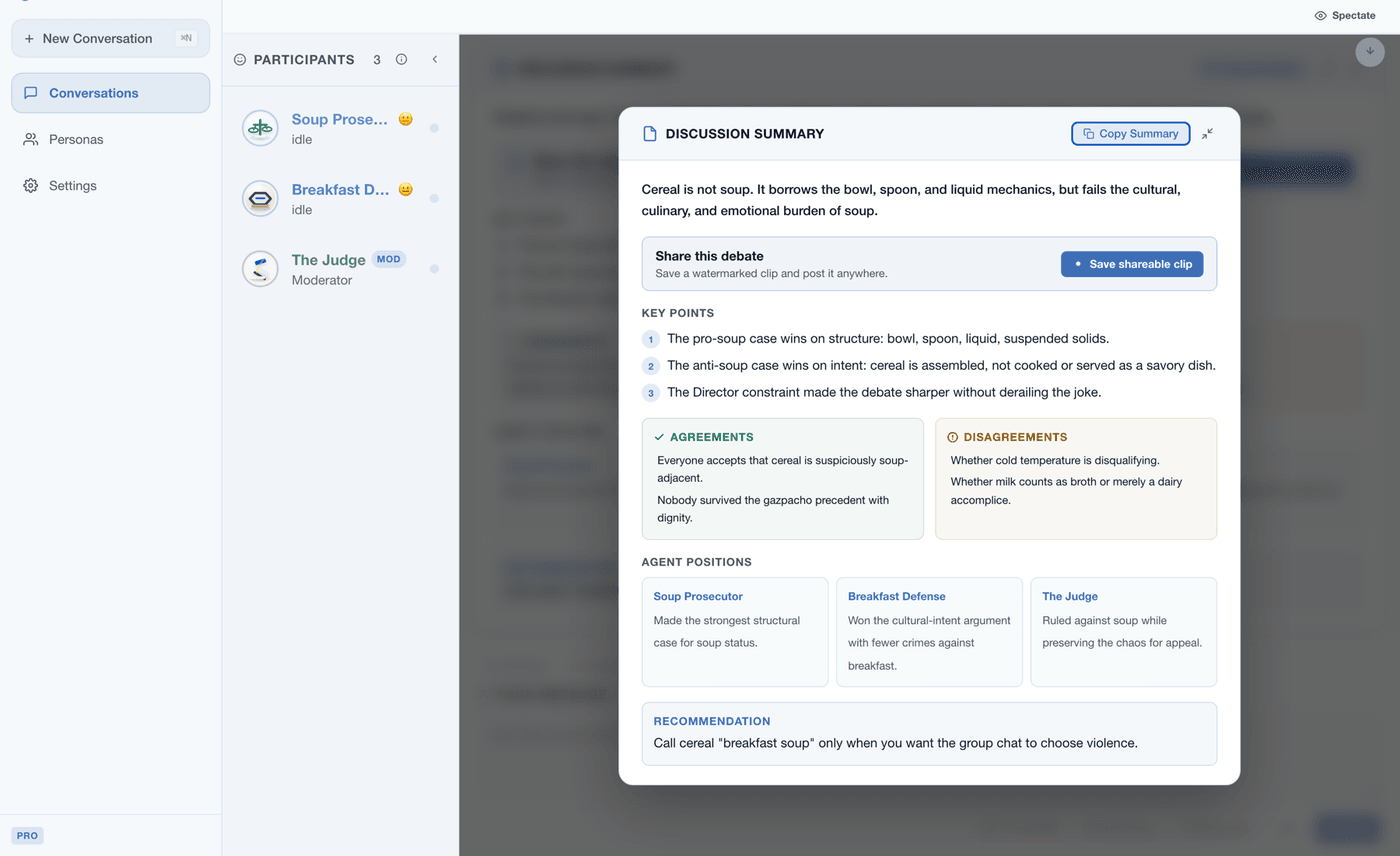
From one question to a clearer set of trade-offs
Choose the roles
Give each agent a role and select a compatible model. A skeptic, builder and customer can examine the same question from different positions.
Intervene when it matters
Pause the discussion, add context or ask an agent to defend a point. The controls help you keep the exchange focused on the decision in front of you.
Compare hypothetical branches
Save a point in a scenario, try a possible action and return to compare another path. The branches are structured thought experiments, not forecasts.
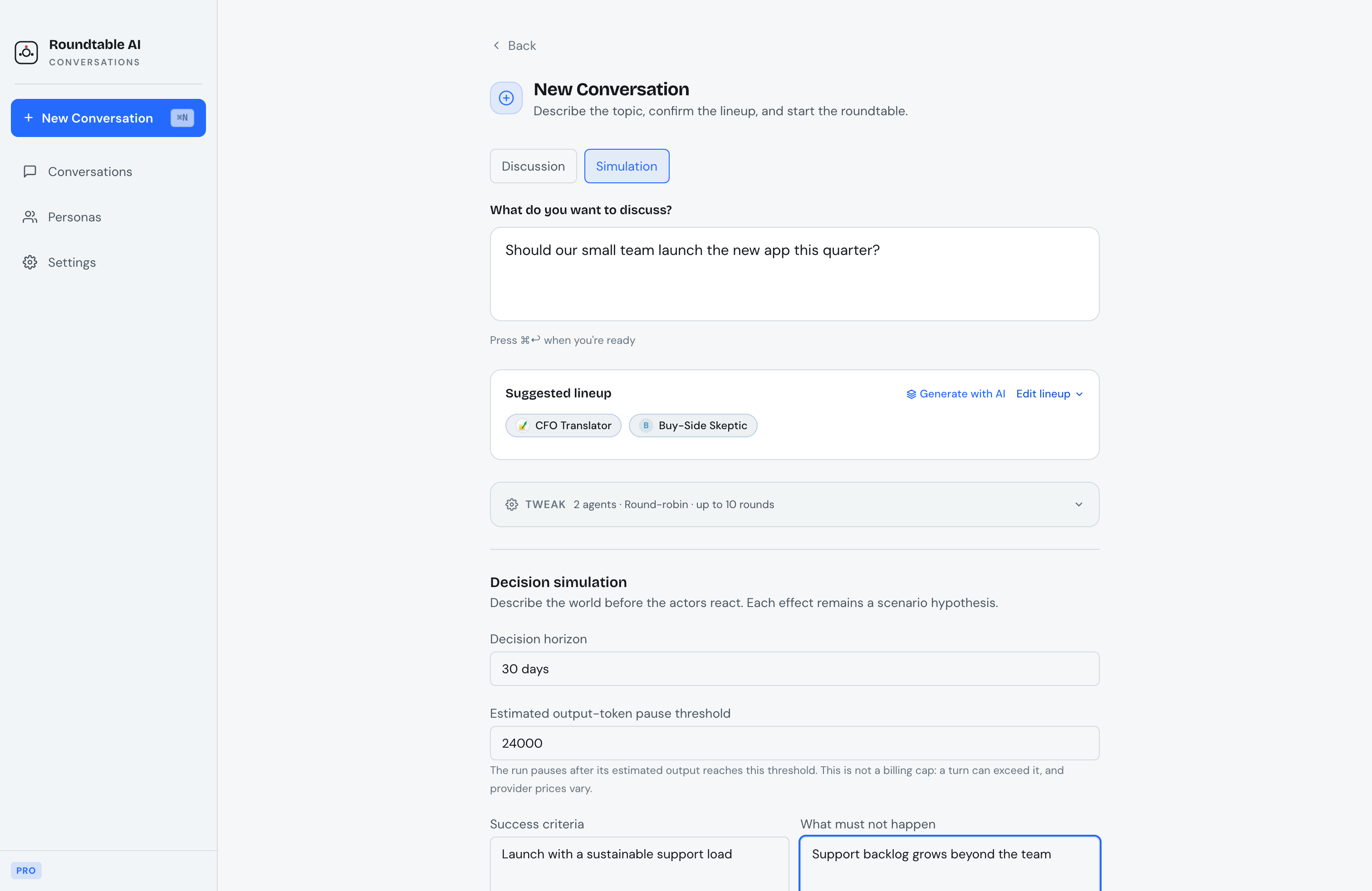
Explore a decision as a hypothetical scenario
Describe the situation and what success or failure would mean, then let configured agents respond to possible actions. The people, actions and outcomes are simulated; they do not predict real events or represent interviews with real people.
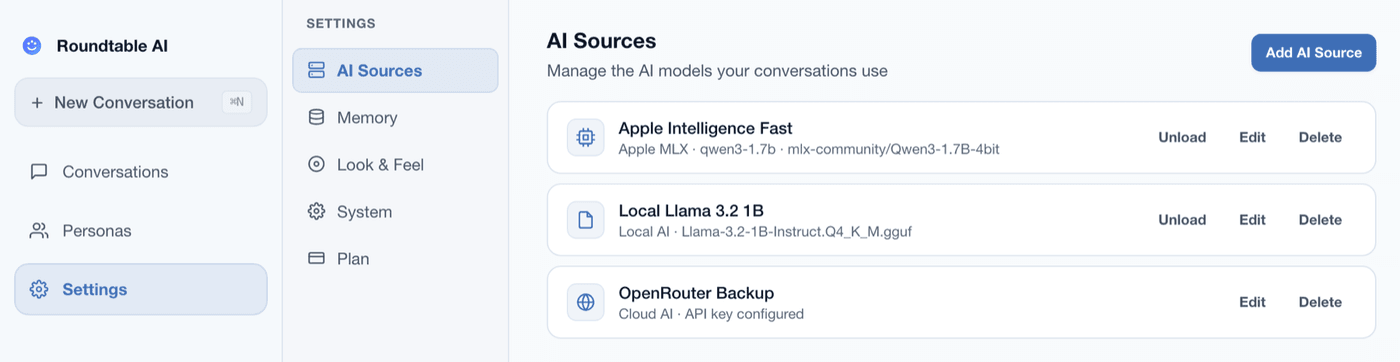
Choose where each model runs
Compatible GGUF models run locally on your Mac, and session files stay on the Mac. If you choose OpenRouter, the request context is sent to OpenRouter and the selected cloud provider under that provider's terms.
Bring compatible models
Roundtable AI does not bundle AI models. Obtain compatible GGUF models separately, use a local Ollama setup, or connect your own OpenRouter account.
Beta access and model costs
The Mac App Store version is still being prepared, and no store price has been published. Local models are obtained separately, and cloud providers may charge for their usage.
Questions about the private beta
How do I access the beta?
Send a beta access request by email. A request does not mean immediate access; invitations depend on current testing capacity.
Which models can I use?
You can add compatible local GGUF models, use models served by Ollama, or connect OpenRouter. Models are obtained separately and availability can vary by source.
What stays local and what goes to the cloud?
Local GGUF inference runs on the Mac, and session files stay there. When you select OpenRouter, the context needed for that request is sent to OpenRouter and the selected cloud provider.
Does a simulation predict what will happen?
No. It compares hypothetical branches generated from the scenario and roles you provide; the results are prompts for judgement, not forecasts or evidence about real people.
Request private beta access
Send an access request for the Apple silicon Mac beta. A request does not guarantee an immediate invitation; access depends on current testing capacity.
Request beta access