See the latest from your station
Connect directly to Weather Underground, Tempest or Ambient Weather.
 WeatherTracking · HighRoad Software
Personal station log · iPhone + iPad
WeatherTracking turns your personal weather station readings into a private local history on iPhone and iPad.
Free for one station · optional €9.99 one-time Pro unlock
Climatology & History is a permanent, non-consumable unlock. There is no subscription and no advertising.
Connect directly to Weather Underground, Tempest or Ambient Weather.
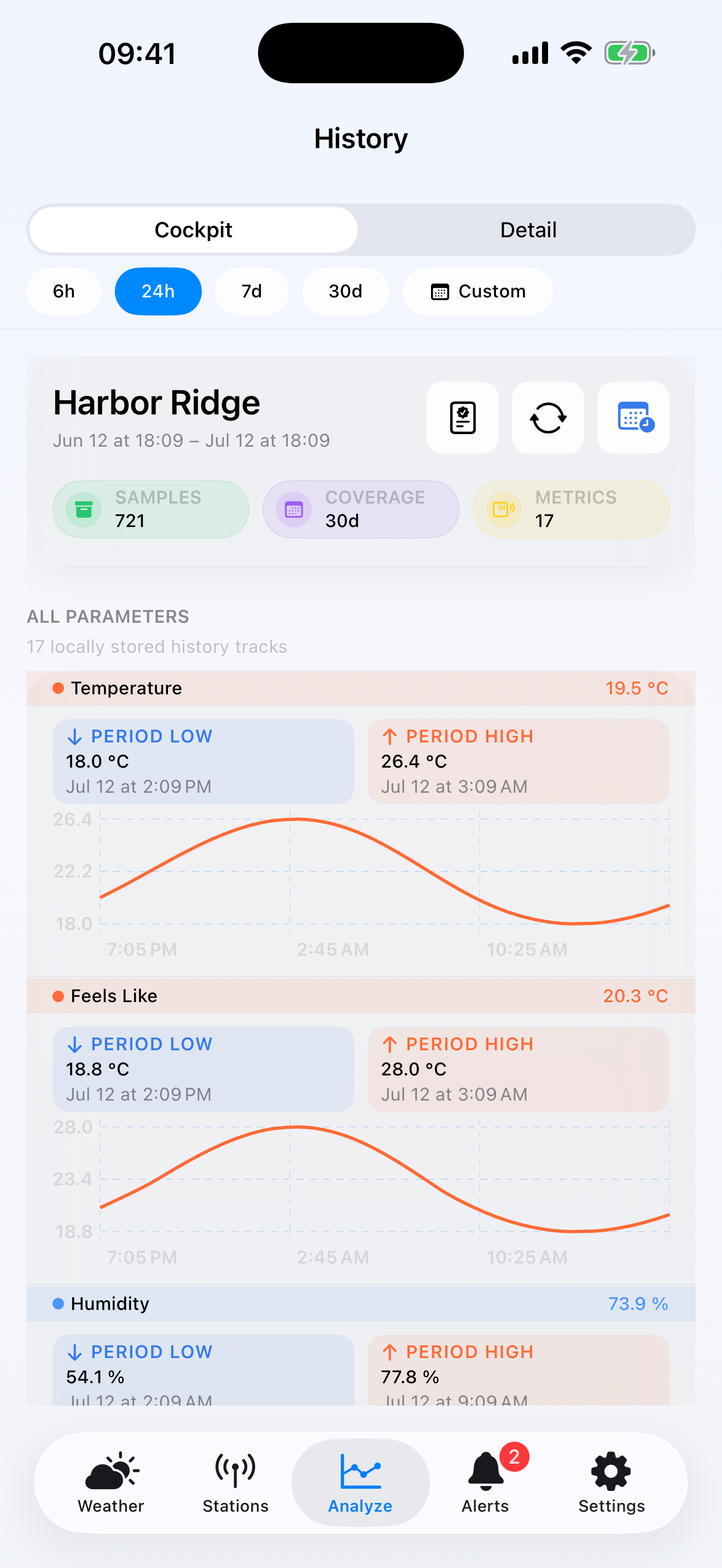
Build a local archive and review daily detail, subject to your provider’s coverage.
Unlock climatology, comparisons, multiple stations and advanced history with Pro.
Inside the app
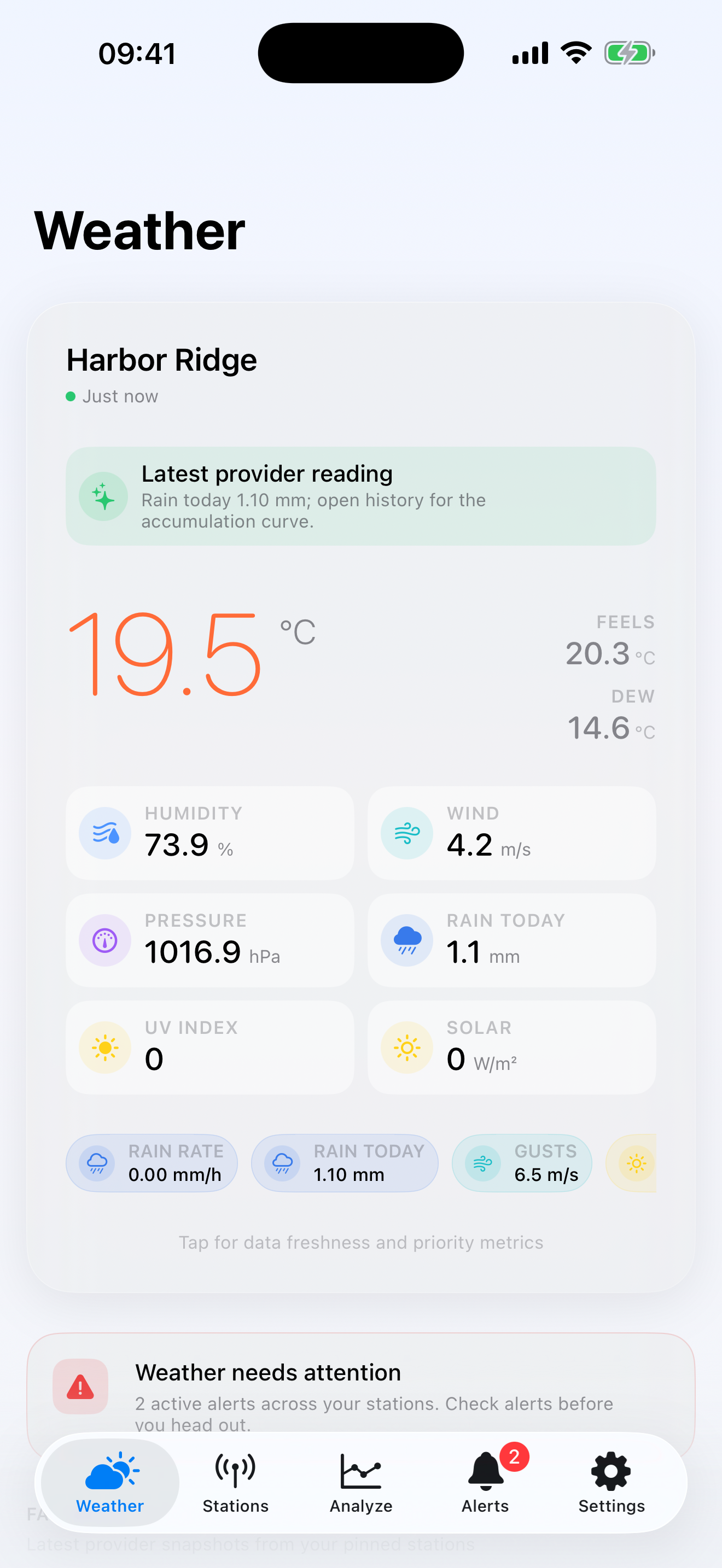
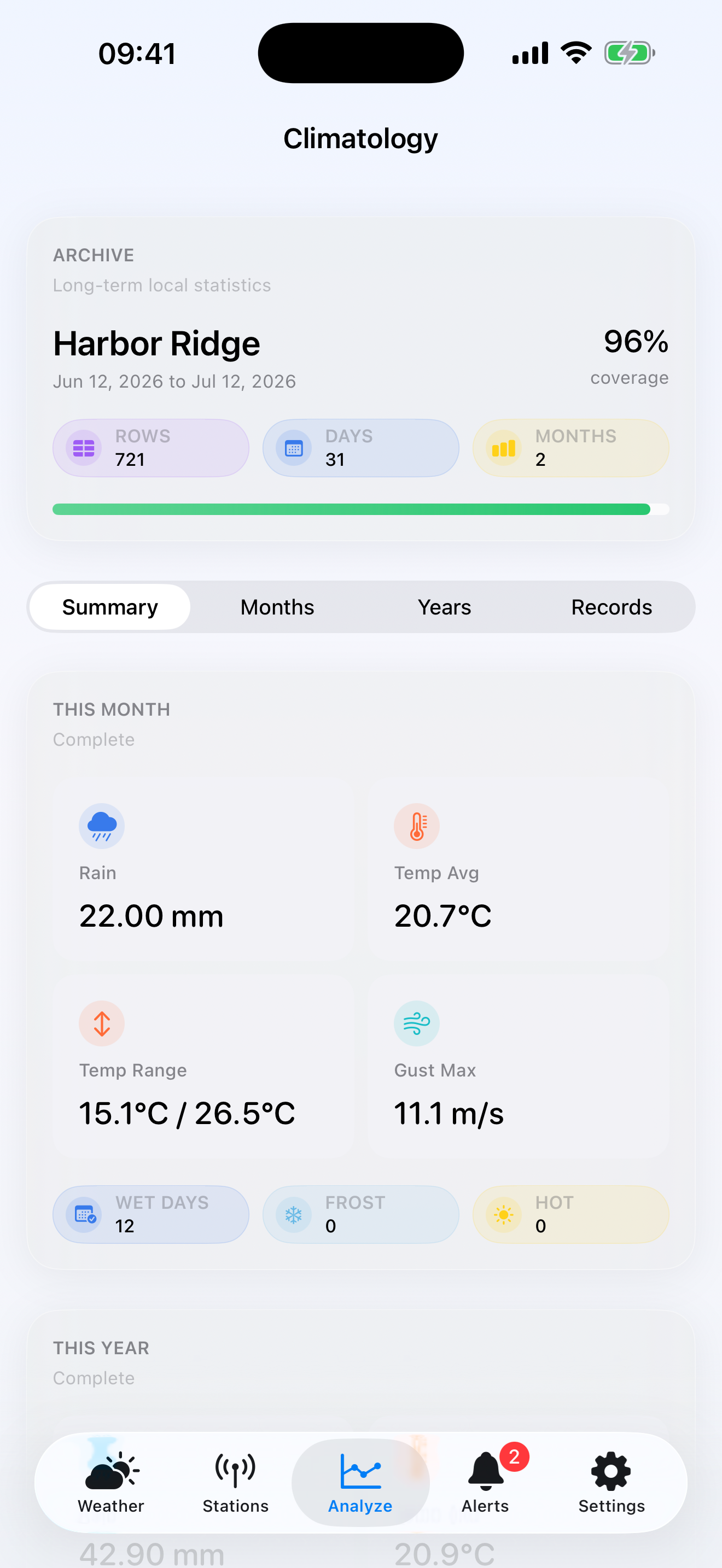
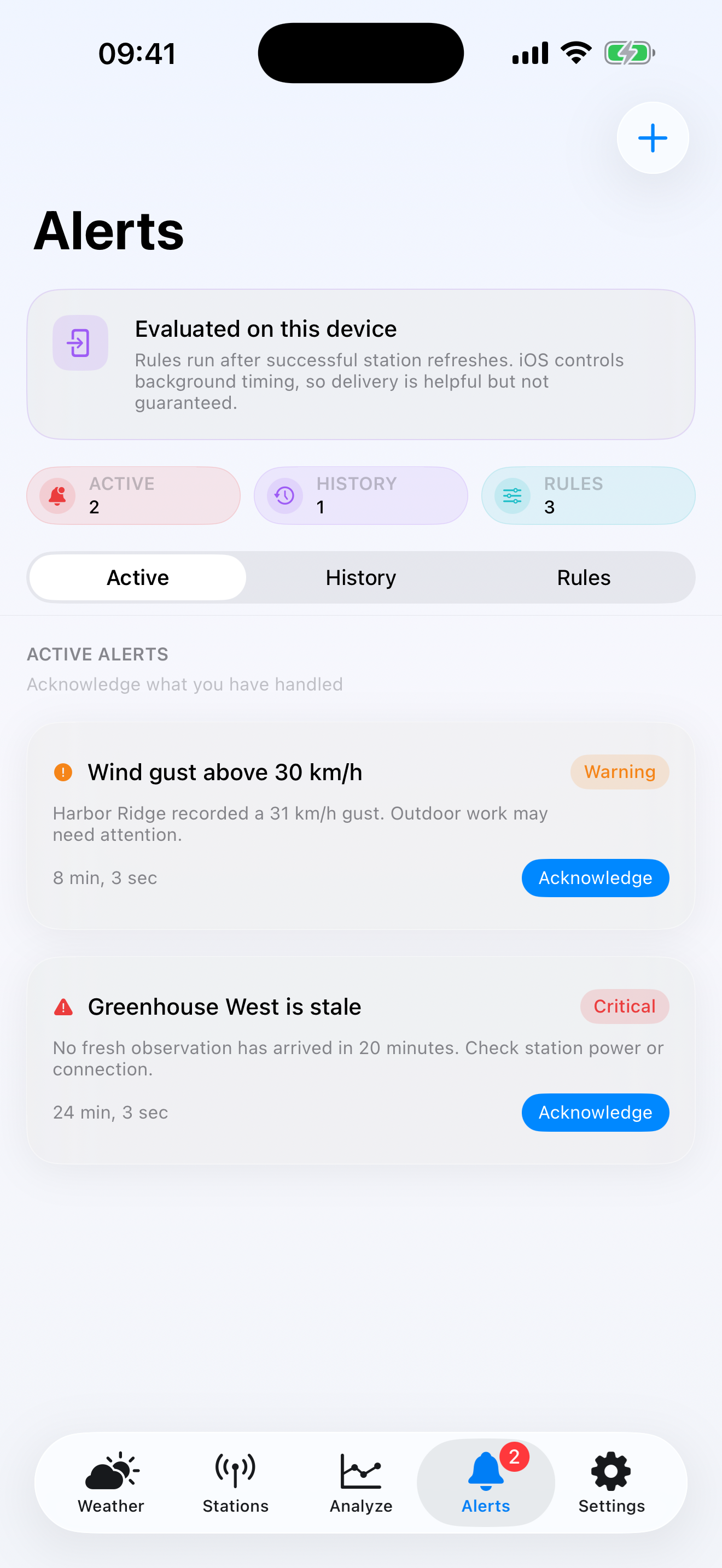
WeatherTracking is built for measured conditions from your own station—not a regional forecast. Every screen below comes from the app.
Personal station vs forecast
A forecast estimates what may happen across an area. WeatherTracking helps you inspect what your own station actually measured at your home, garden or property.
Use it when local history, archive coverage, records and seasonal context matter more than another general weather forecast.
Read the personal weather station history guide →Verified product facts
Weather Underground, Tempest and Ambient Weather. Provider credentials are required and remain protected in iOS Keychain.
Observations, preferences and alert rules stay on the device. Available history depends on provider coverage.
One station and seven-day history are free. A €9.99 one-time purchase unlocks climatology, records, comparisons and advanced history in supported euro storefronts.
Alerts are evaluated after successful refreshes. Background timing is controlled by iOS and is not guaranteed to be immediate.
Frequently asked questions
WeatherTracking is an iPhone and iPad app that turns readings from a personal weather station into a private local archive with current conditions, charts, records and climatology.
The public version connects directly to Weather Underground, Tempest and Ambient Weather using credentials supplied by the station owner.
No. Core monitoring for one station is free. Advanced history, climatology, comparisons and multiple stations use an optional one-time Pro purchase.
WeatherTracking stores observations locally and contacts the selected provider directly. It does not require a WeatherTracking account or operate an advertising network.
No guarantee is made. Rules are evaluated after successful refreshes, and iOS controls background scheduling. Do not use WeatherTracking for emergency or life-safety decisions.
01
For connection, data, purchase or restore questions, email us with your provider name, iOS version and the screen where the issue occurred. Never send an API key or password.
Email support02
Effective 30 July 2026
WeatherTracking is designed to work without a WeatherTracking account or advertising profile.
Stations, observations, alert rules, preferences and alert history are stored locally. Provider credentials are protected in iOS Keychain.
The app contacts your selected weather provider directly. WeatherTracking receives neither your credentials nor the returned observations.
Apple processes the one-time in-app purchase. WeatherTracking receives entitlement status, not payment-card details.
Use Reset All App Data in Settings, or delete the app, to remove local data.
WeatherTracking is informational. Background refresh and alerts are not guaranteed to be immediate and must not be used for emergencies or life-safety decisions.