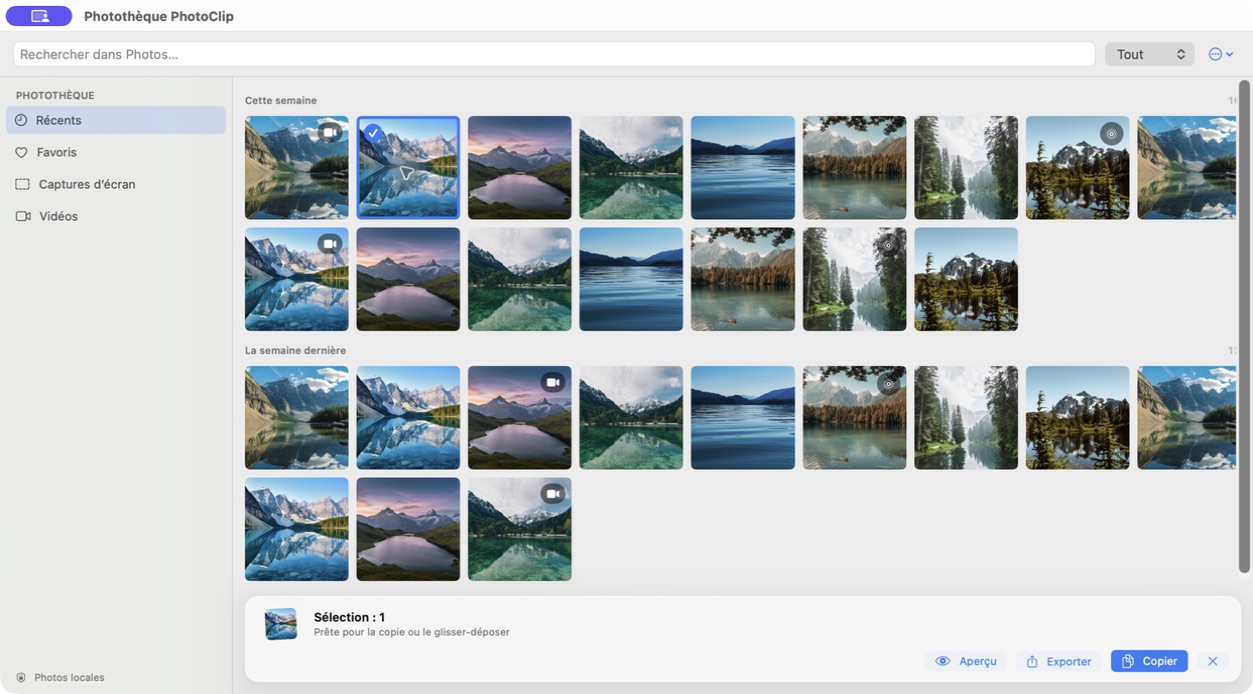
Select, then act.
Preview, Export and Copy stay together. Hold Command to select more than one item.
 PhotoClip
A focused Photos utility for macOS
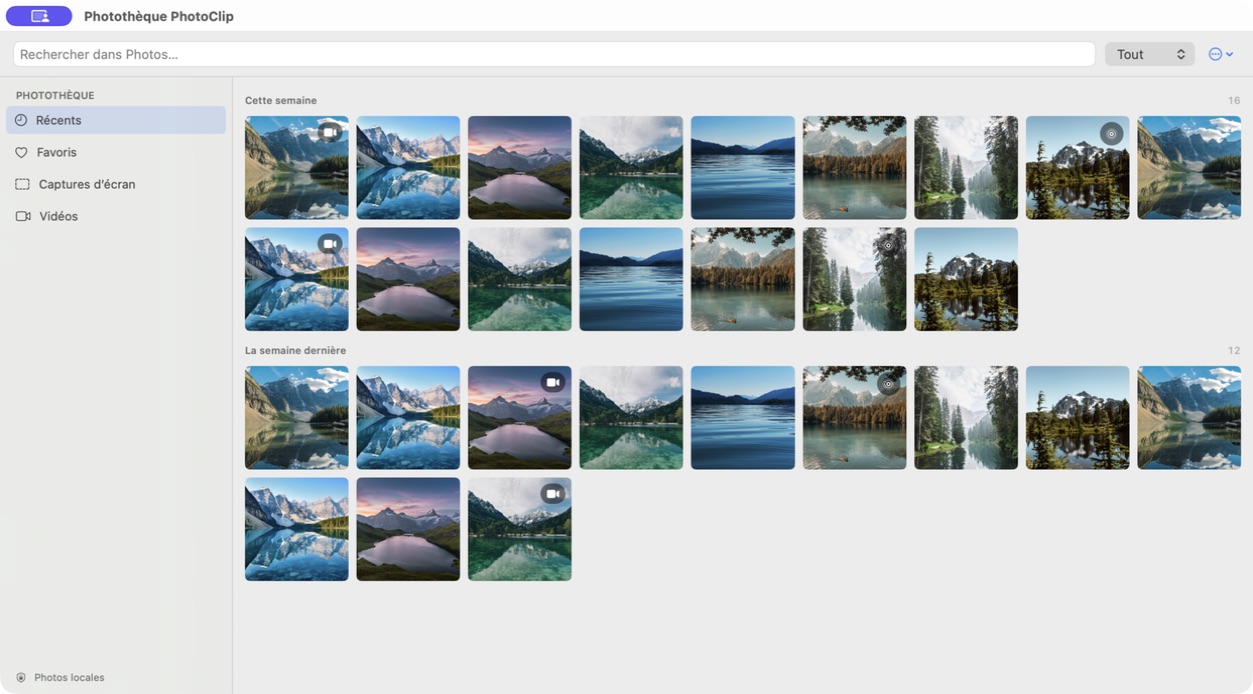
Open PhotoClip from the menu bar, choose an image and copy it into your document. Recents, favorites, screenshots and videos stay one shortcut away.
See the actual app ↗Mac App Store launch in preparation · planned one-time price $4.99
The useful commands appear with your selection. You choose what leaves the library.
Preview, Export and Copy stay together. Hold Command to select more than one item.
Double-click or press Space to open a focused preview of the first selected item.

How to copy a photo from the menu bar · Photos or PhotoClip?
Actual interface · demonstration content · Editorial method
Two short, captioned edits made from actual app states. Nothing autoplays.
The library shows a chronological grid, switches to favorites, then returns to recents.
The first screen explains Photos access. A sample library and preview then show the interface.
Launch model
PhotoClip 1.0 is planned at $4.99 / €4.99 once, with no subscription and no artificial copy or export limit. Final regional pricing will appear on the public Mac App Store listing.
Pricing record →PhotoClip has no account, advertising, analytics SDK or developer-controlled backend. Searches and preferences remain local. Apple Photos may download items stored in iCloud when needed.
Read the privacy policy →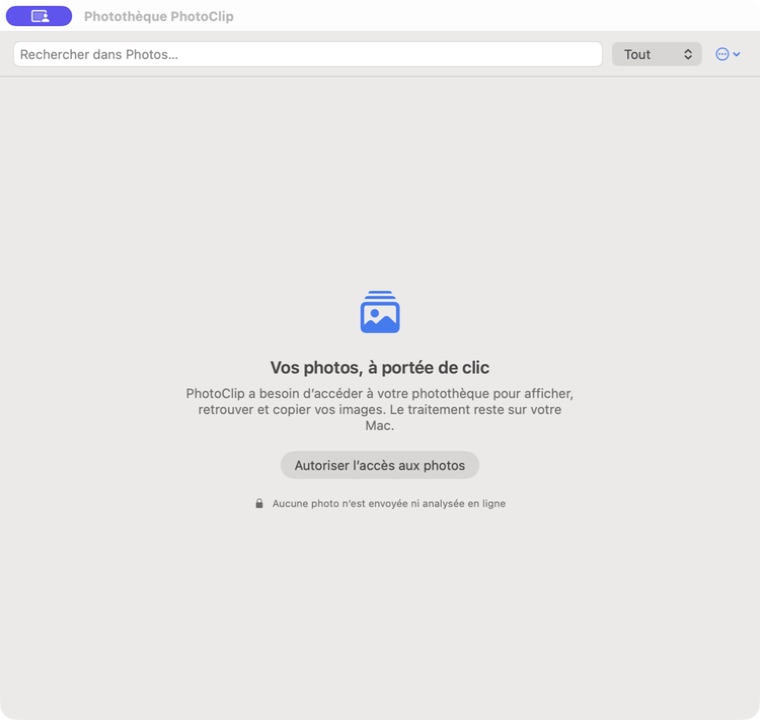
PhotoClip lets you browse Apple Photos from the Mac menu bar or a window, then select, preview and copy still images or export media.
The planned launch price is a one-time purchase of 4.99 USD or EUR, with no subscription. The final regional price will be confirmed on the public Mac App Store listing.
PhotoClip targets macOS 14 or later. Final compatibility will be confirmed with the Mac App Store distribution build.
No. Version 1.0 is in preparation and there is no public download yet.
PhotoClip has no developer-controlled backend, account, advertising or analytics SDK. Apple Photos may download items stored in iCloud.
The Copy command applies to still images. To save a video as a file, use Export.
Version 1.0 is in preparation for the Mac App Store. The download link and confirmed regional price will appear here after publication.
Ask about PhotoClip ↗Product information checked September 6, 2026.