01
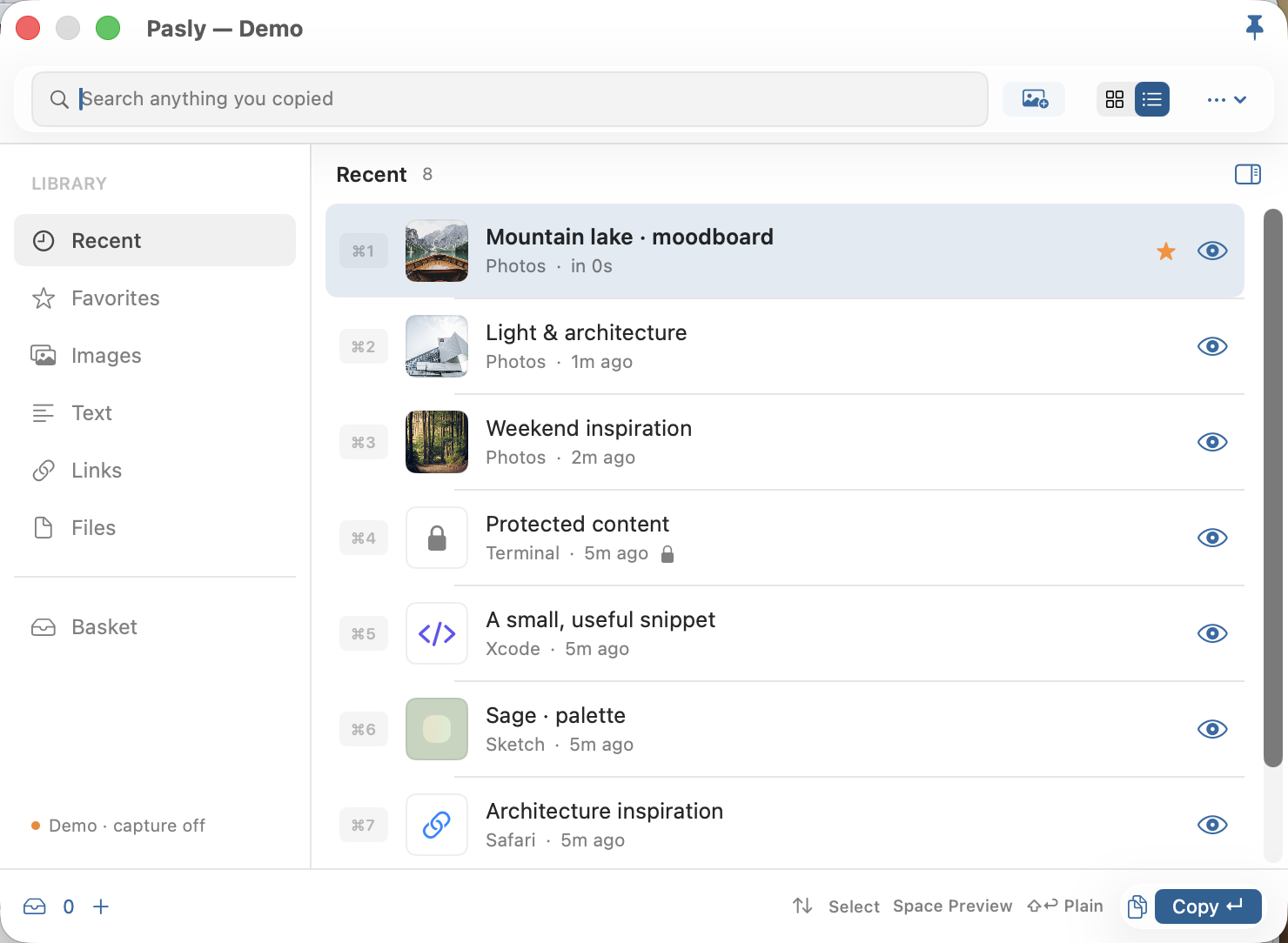
Find an earlier copy
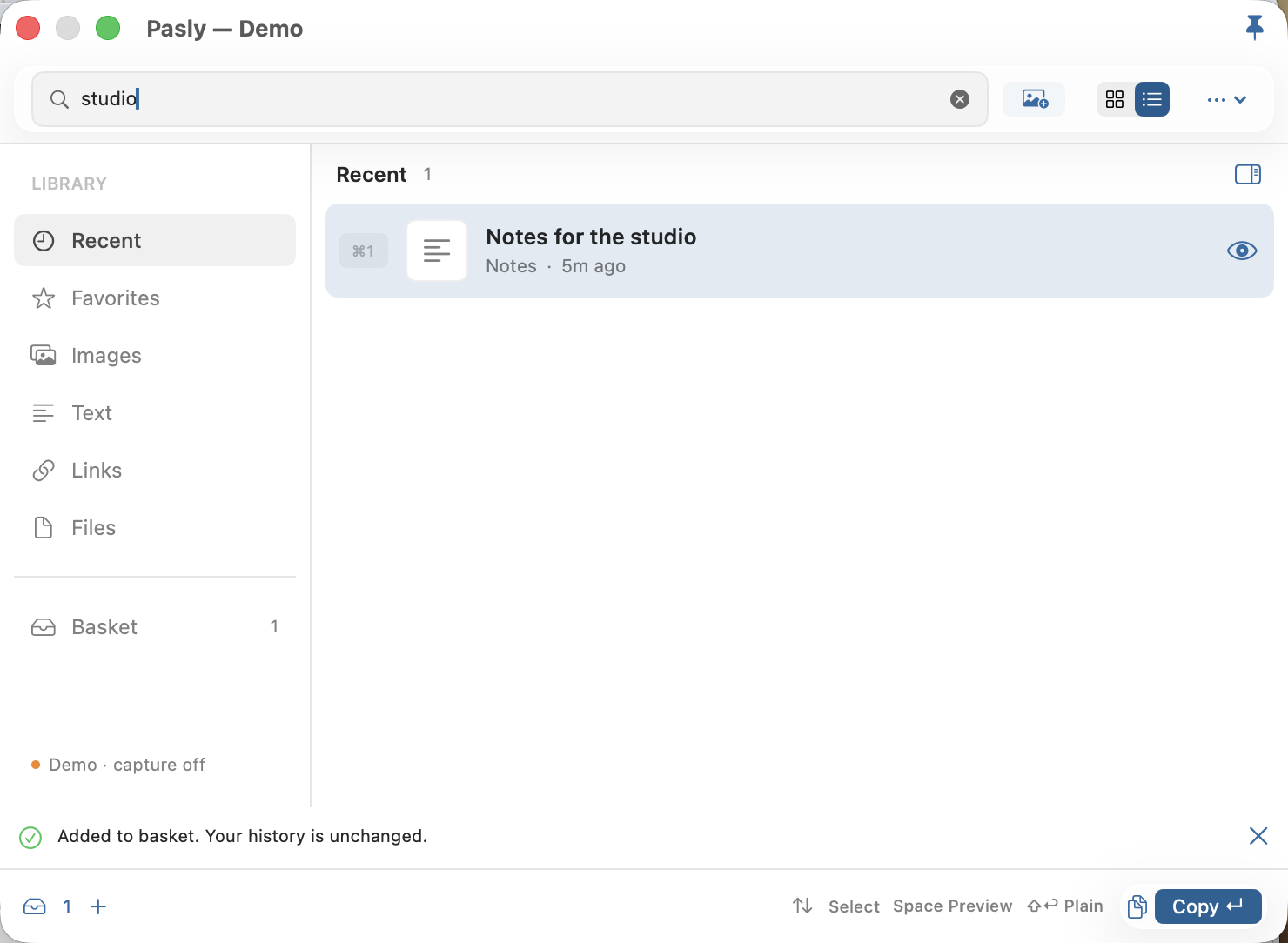
Search saved text, links and images. Mark the items you want to come back to as favorites.
 Pasly
PaslyA clipboard manager for your Mac
A link for later. A sentence worth keeping. The image you need again. Pasly puts useful copies back within reach, from your Mac menu bar.
Explore the workflowPreparing for the Mac App Store
macOS 15+ · Apple silicon
Your clipboard changes with every copy. Pasly keeps a searchable history after you choose to turn capture on.
Search saved text, links and images. Mark the items you want to come back to as favorites.
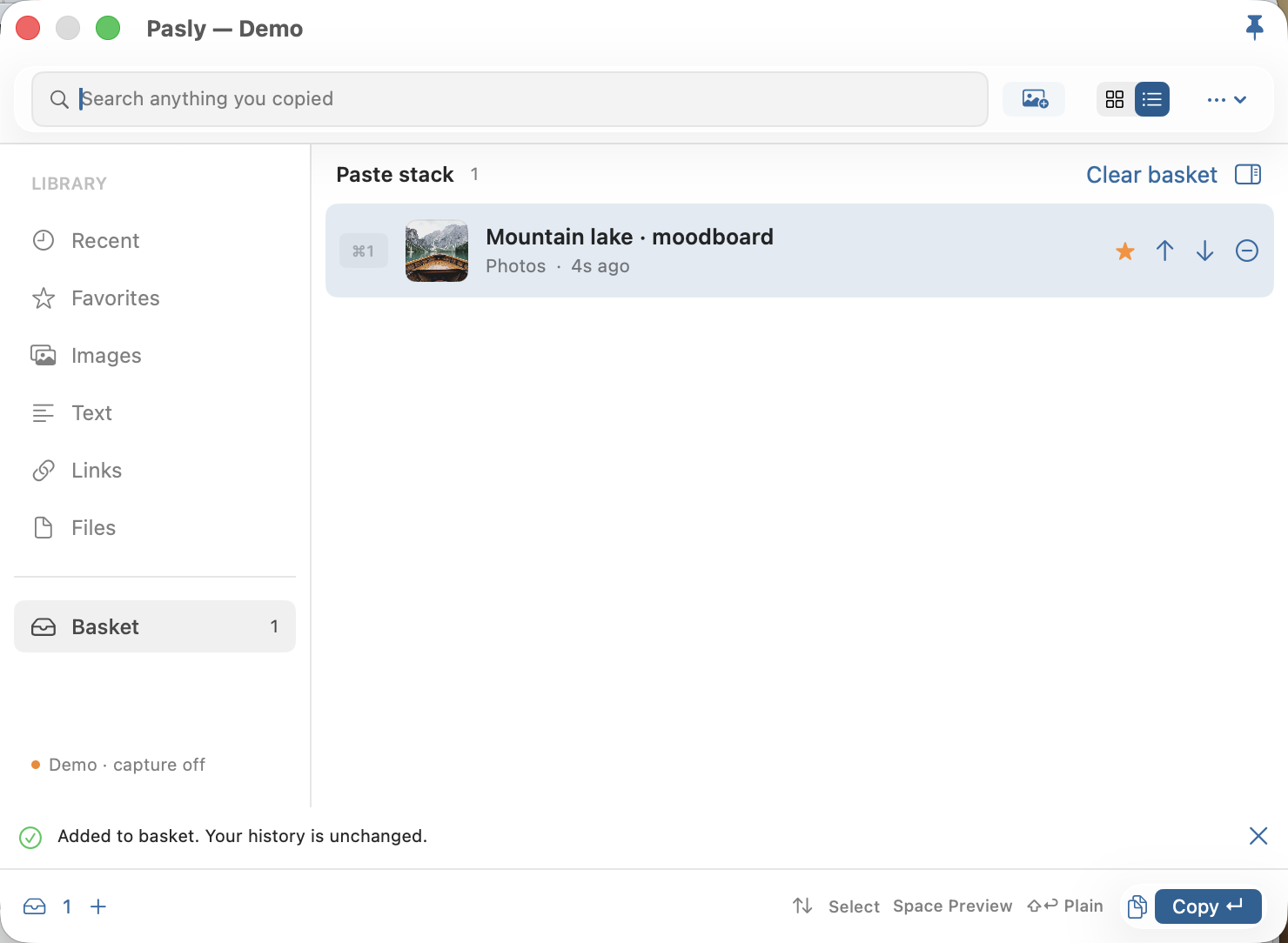
Gather items in a session basket while you work. Removing something from the basket leaves your history intact.
Copy an item, switch to your document and press ⌘V. Use plain text when formatting gets in the way, or drag an image into a compatible app.
Privacy
Capture starts paused. Enable it when you need it, exclude apps, pause again or delete your history. Your saved copies stay on this Mac. No Pasly account, ads or tracking SDK.
Local storage is not encrypted by Pasly. Sensitive-content detection is imperfect; pause capture before copying secrets.
Read the privacy policy →Pasly is a native Mac clipboard manager. After you enable capture, it keeps copied text, links, images and file references in a local searchable history. Open it from the menu bar or a configurable keyboard shortcut.
The Mac App Store edition copies the selected item. Switch to the destination app and press Command-V yourself. It does not request Accessibility access or simulate typing.
Choose images through the system Photos picker or import image files. Pasly copies the selected images locally without editing your originals. Apple may download selected iCloud photos when needed.
Pasly refuses new additions when it reaches 1,500 items or 256 MB of encoded copies. Delete items to make room. It does not silently remove older copies.
File references depend on the originals and their access permissions. If a reference becomes unavailable, Pasly reports an error. Copy the original file again to renew access.
No. History has no application-level encryption. App exclusions, sensitive-content detection and hidden previews reduce accidental exposure but are not a password vault.
Pasly vs Paste vs Maccy: compare the workflow, supported platforms, pricing and practical limits.