Choose the right pace
Pick 6×6 or 9×9 grids, three difficulty levels, Classic or Blitz pacing, and digits, colours or shapes.
Nearby multiplayer Sudoku
Sudoku Arena is a free nearby multiplayer Sudoku game for iOS and Android. Play solo, duel one friend, or gather up to eight people around the same 6×6 or 9×9 puzzle, with shared progress and no account.
Free · iPhone and iPad with iOS 15 or later · Android. Nearby play needs compatible devices with Bluetooth or Wi-Fi enabled.
Try a free 6×6 puzzle in your browser · Solo web demo, no download.
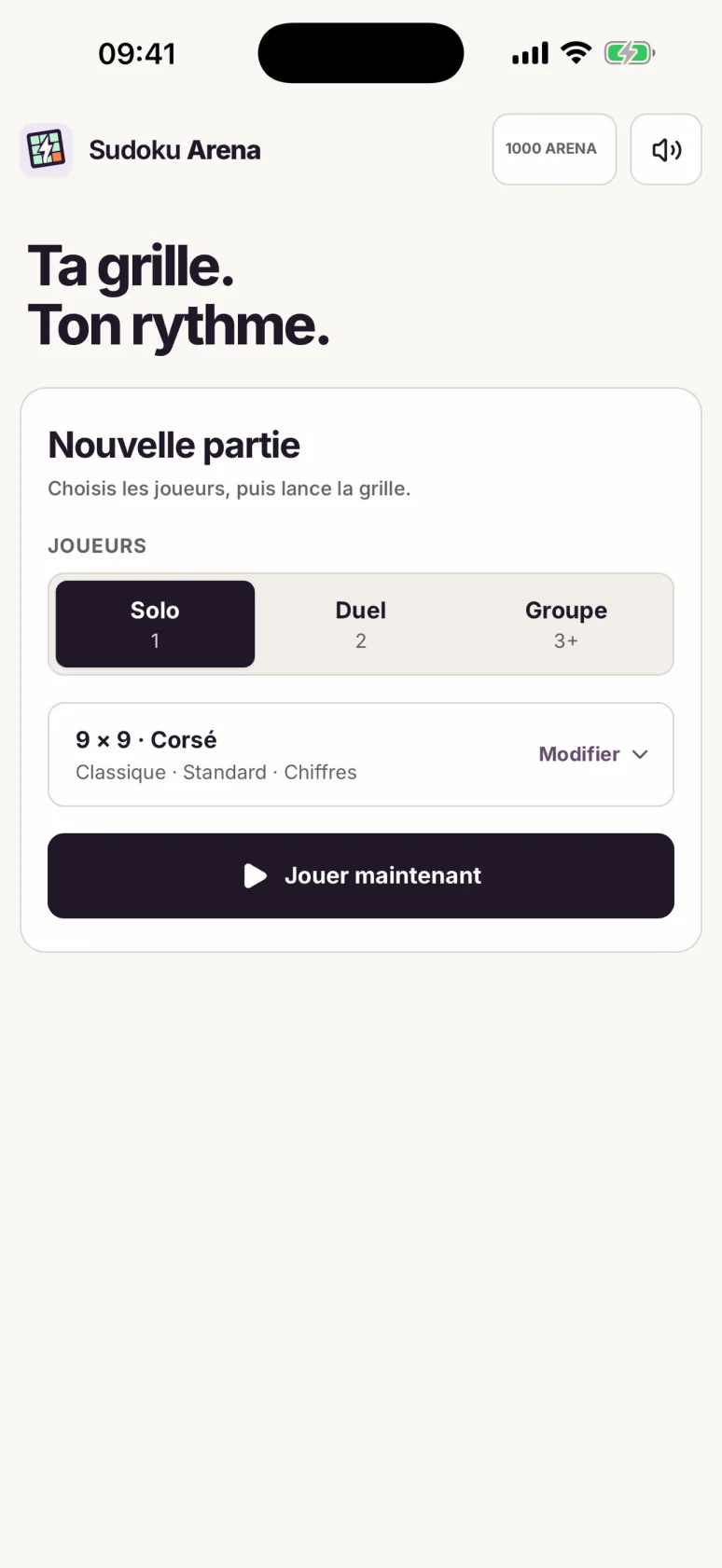
How nearby play works
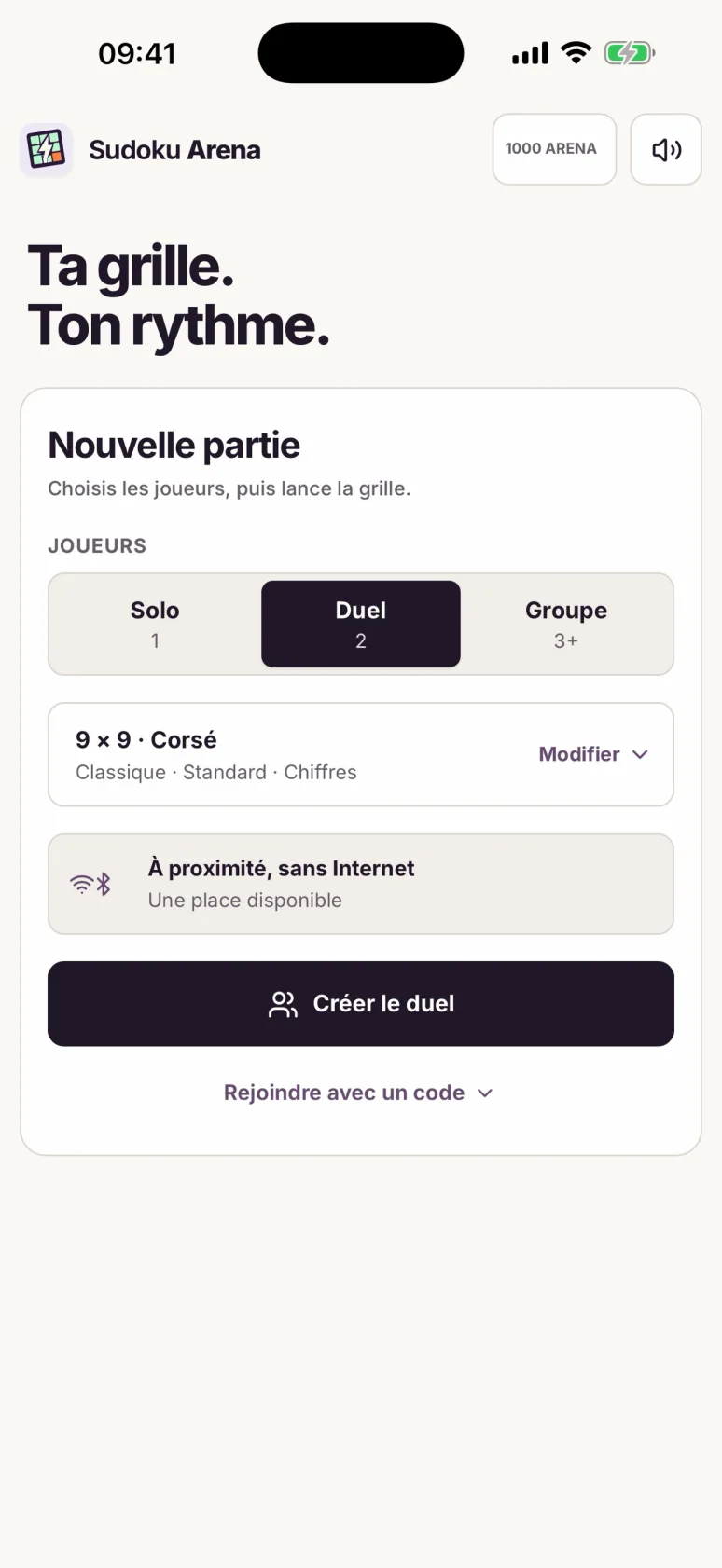
The host chooses Duel or Group and creates a room on a compatible device.
Nearby players enter the short-lived room code or scan the host’s QR invitation.
Everyone gets the same grid and timer and can follow shared progress during the match.
Nearby does not mean radios off. Mobile data and internet access are not required for nearby matches, but Bluetooth or Wi-Fi must remain enabled. Connection availability depends on compatible devices and system conditions.
Solo, Duel or Group
Pick 6×6 or 9×9 grids, three difficulty levels, Classic or Blitz pacing, and digits, colours or shapes.
Use notes, hints, undo and pause, then start a rematch or try one of five optional variants.
The Daily Challenge uses the same challenging 9×9 grid for each date, generated on the device and available offline.
Your profile, preferences, results, local ranking, streaks, records and opponent history stay on your device.
Nearby vs online category
| Question | Sudoku Arena nearby play | Typical online Sudoku category |
|---|---|---|
| Who can join? | Compatible players physically nearby, up to eight | Often remote players through internet matchmaking |
| Connection | Bluetooth or Wi-Fi stays enabled; no mobile data or internet access required | Usually requires an active internet service |
| Identity | No account required | May require a guest profile, login or online account |
| Competition | Shared nearby grid, timer and progress | May use separate boards, global rankings or remote lobbies |
“Typical online” describes common category patterns, not every competing app. Sudoku Arena does not claim global matchmaking, a cloud account or an online leaderboard.
Planning a match
Frequently asked questions
Nearby play does not require mobile data or internet access, but Bluetooth or Wi-Fi must remain enabled on compatible devices.
Sudoku Arena supports a duel or a nearby group of up to eight players on the same puzzle.
No. You can play without creating an account, and profiles, preferences, results and opponent history are stored on the device.
Duel and Group connect compatible devices nearby. They do not offer internet matchmaking with remote players.
On iPhone and iPad, solo games, the Daily Challenge and Mika duels save automatically. Your grid, notes, score and timer stay on your device; resume from the lobby when you return.
Ready when the group is
Sudoku Arena is a mobile Sudoku game for solo play and nearby duels or groups, where participants solve the same grid and can see shared progress.
A selected puzzle mode and grid, or a nearby room joined with the code or QR shared by its host.
A completed or in-progress puzzle, local play history and shared progress during a nearby match. A group can compare results on the same puzzle.
Nearby multiplayer requires the phones to be near each other with the relevant radios enabled. It is not a promise of internet matchmaking with strangers. Availability of modes and Daily Challenge depends on the installed version.
Availability: App Store France lists free iOS version 1.4, iOS 15+, on 30 October 2026. Android availability and version should be checked separately on Google Play.
The documented nearby-room workflow does not need internet access, but Bluetooth or Wi-Fi must remain enabled for the local connection.
The nearby competitive workflow uses the same grid so progress can be compared on a shared challenge.
First-party documentation for Sudoku Arena, published by HighRoad Software.
Documentation reviewed: · HighRoad Software / COBI Management SRL