PulseWave / A practical guide
Silence, music or a sound mixer for focused work?
Compare three audio backgrounds for the same task and adjust layers in the PulseWave mixer.
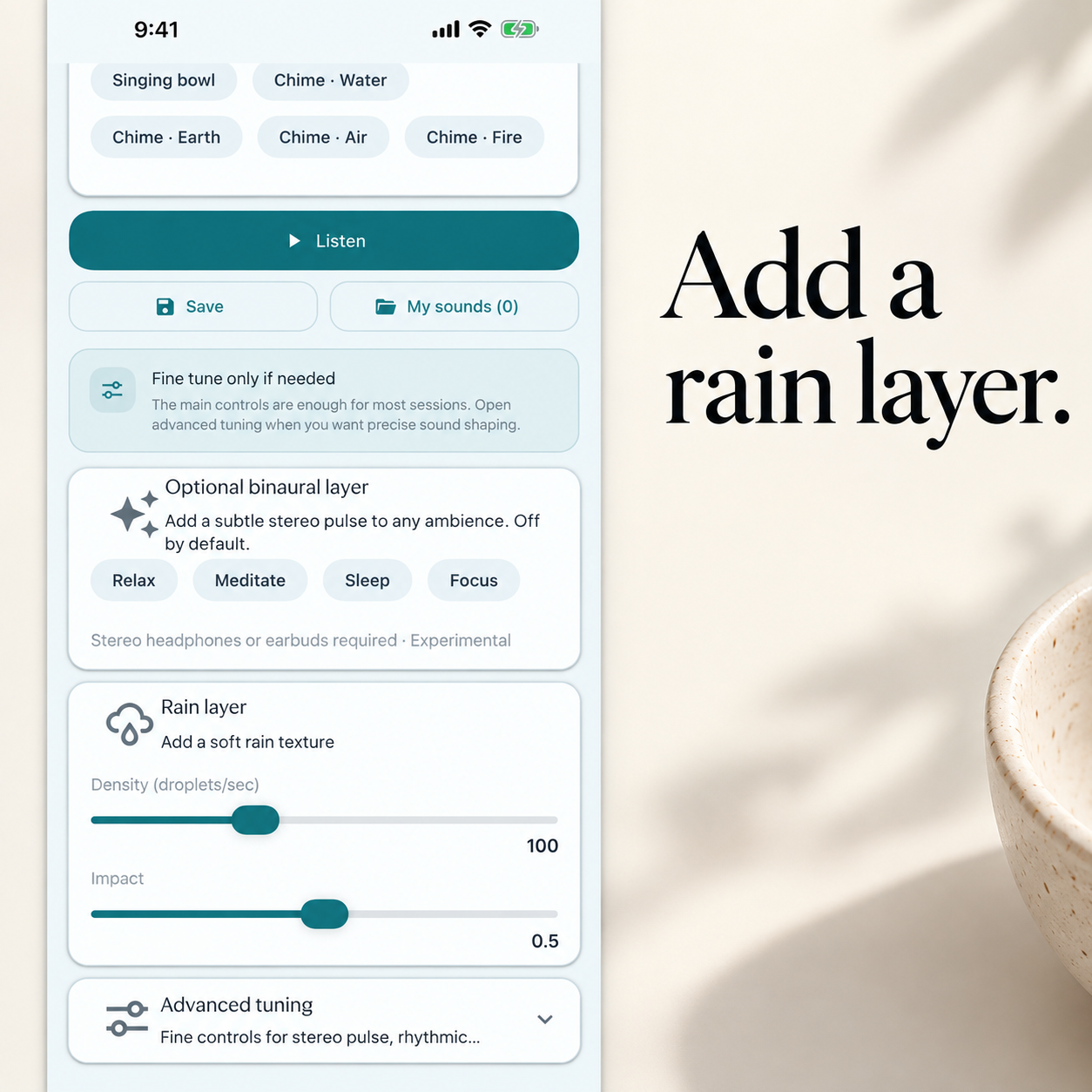
If your room is already quiet, start there. If conversation keeps cutting through your work, compare the room as it is with a low, steady background. Music is another option, especially when the task leaves room for lyrics. PulseWave’s sound mixer gives you control over individual layers, which is useful when one part of a background sound keeps drawing your attention.
You are halfway through a sentence when you realize you understood the conversation behind you better than the one on the page. It is tempting to turn the music up. Before you do, separate three things you can change. How much sound is in the room already? Does your added audio contain words? Do its levels change enough to make you look up?
Try the same task with three different backgrounds
| Option | What you control | What to listen for |
|---|---|---|
| Relative silence | Whether you add sound at all | Voices and interruptions already in the room. |
| Music | The track, whether it has lyrics and the volume | Words, familiar choruses and changes between tracks. |
| A mixed background | The sound layers and their balance | Whether one texture stays unobtrusive or keeps breaking through. |
A playlist gives you a recording someone has already mixed. If you like a rain track but the occasional crack of thunder makes you look up, you need a different recording. In a mixer, you can start with one texture, add a second and change its level. PulseWave’s custom sound creator is part of Premium. Its value for this comparison is that you can adjust the background while keeping the rest of your setup in place.
What researchers tested in office noise
Banbury and Berry ran three experiments on speech, office noise and tasks such as recalling prose and doing mental arithmetic. Performance could suffer in the noise conditions they tested. That finding applies to the sounds and tasks in the experiments. It gives you a reason to compare environments while you do the work that actually matters to you. Banbury and Berry, British Journal of Psychology.
Jahncke, Hongisto and Virjonen varied how intelligible background speech was across several office-related tasks. The effect depended on the task. Remembering words was more sensitive to the speech manipulation than arithmetic. A background that feels fine while you file receipts might be more intrusive while you write an email. Neither study tested PulseWave or measured a productivity gain from adding rain to a work session. Jahncke et al., Applied Acoustics.
Compare one PulseWave mix with the room as it is
Choose two short blocks of similar work. Use the sound of the room for the first. For the second, open PulseWave’s sound tools and try a single texture, such as light rain, at a low level. If you use the Premium mixer, add another layer only when you can say what you want it to change. The aim is a stable background while you work. Once you start the block, leave the mix alone long enough to notice whether it keeps calling attention to itself.
At the end, write down where you lost your place or reread a line. A quiet block may work better when the office empties. The rain may feel easier to work with when the corridor gets busy. If you would like to compare music too, use the same sort of task on a third day and note whether the words or the changes between tracks caught you. PulseWave lets you adjust the part of the background you control. You can still turn it off and work with the room as it is.
Try PulseWave
Related reading · Compare rain, white noise and silence at bedtime.