SongForge / A practical guide
Make the important word land in your AI-generated chorus
Compare two original hook phrasings in SongForge and listen for where the melody places the words you want to emphasize.
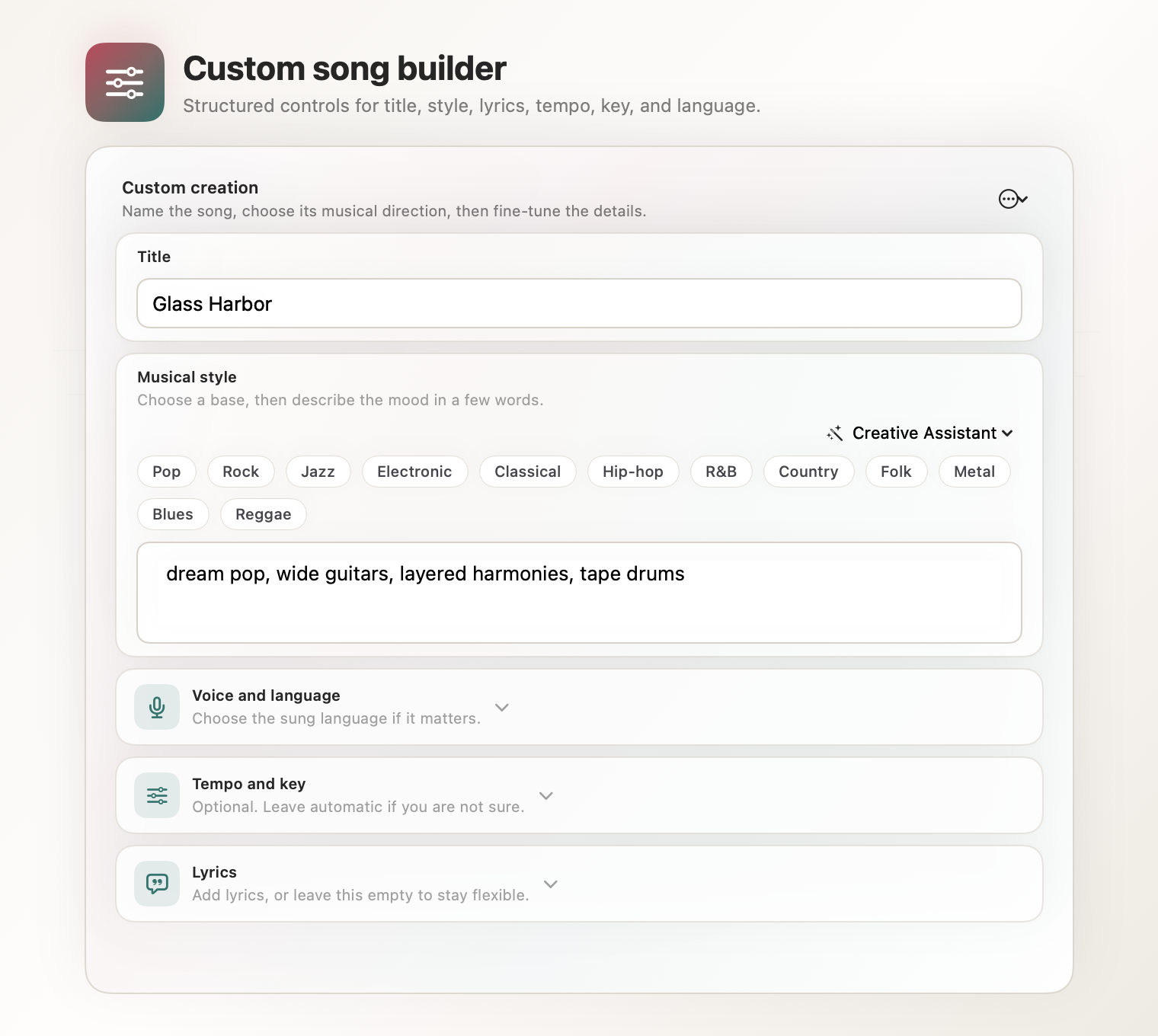
A chorus can contain the right words and still emphasize the wrong one. Try two phrasings of the same idea, keep the musical brief steady and listen for the word that lands most strongly. SongForge gives you lyric and musical controls, plus a local Library for comparing the resulting takes.
Consider a song about returning to a familiar house. The hook depends on the light by the door. A generated melody may stretch a small connecting word, hurry past “light” or give the end of the line more weight than you intended. Changing the phrasing gives the generator another way into the same idea.
Write the hook before decorating it
Use this original chorus as a suggested starting point.
Leave the light beside the door
I can find my way once more
Every mile comes back to you
In the quiet we come through
Now change only the first line.
Keep a light on by the door
Say both versions aloud. In the first, “leave,” “light” and “door” can carry the line. The second has a different pattern around “keep,” “light” and “on.” You can hear the choice before asking a model to sing it.
This is a phrasing exercise. If you rewrite the setting, add another verse and change the genre at the same time, you will have several possible reasons for the next take to sound different.
Give both versions the same musical setting
In SongForge’s Custom workflow, enter the chorus and a compact style direction. For this exercise, try a restrained indie-pop arrangement with warm bass, light percussion and an intimate lead vocal. Keep the requested tempo, key and length the same for both lyric versions.
Generate the first version and retain the take. Then replace the first line with the alternative and make another take. Use clear names in your working notes, such as “leave the light” and “keep a light on,” so you can return to the right source.
A fresh generation may vary even when most of the brief is unchanged. You are choosing between actual performances produced from two inputs, rather than proving that a word change alone caused every difference in the arrangement.
Listen to the line at three scales
First, listen to the whole chorus. Can you follow its central idea without reading? Then replay the first line while looking at the lyric. Notice where a vowel is held and where a word becomes hard to understand. Finally, listen to the transition into the second line. The hook needs to belong to the phrase that follows it.
The easiest version to understand may also be the easiest one to remember. If both are unclear, try a shorter wording before changing every musical setting. If the phrasing works but the vocal tone feels wrong, preserve the lyric and revise the vocal description in a later take.
SongForge makes this small cycle practical by keeping the written brief, generation and Library close together. You can compare a few deliberate choices instead of trying to remember which browser tab held the promising version.
Hear a complete generated vocal track
Golden Hour Run is an actual unedited SongForge generation labelled alt-pop and liquid drum and bass at 174 BPM. Listen for how a busy rhythmic setting leaves different amounts of room around the vocal phrases. It is a listening companion to this exercise, with its own source lyrics and settings. Listen to Golden Hour Run.
The practical result to keep is a take whose words and phrasing support your song. Save the wording you prefer, then use the next session to improve one other part of the brief.
SongForge’s normal standalone generation runs locally after model setup on macOS 14 or later. Three completed creations are included. Continued creation and MP3/WAV export use the one-time Pro unlock. Apple shows the current local purchase terms.
Explore SongForge · SongForge on the Mac App Store · High Road Software
SongForge’s lyric and musical controls · Published audio examples