PulseWave / A practical guide
A private mood journal needs a storage boundary, not just a lock icon
What stays on the device by default, what changes when sync is enabled and why a mood label is a reflection rather than a diagnosis.
A private mood journal is not private because the screen uses a lock icon. The useful questions are where an entry is stored, whether sync is optional, which services support the app and what happens when you choose to share or delete information.
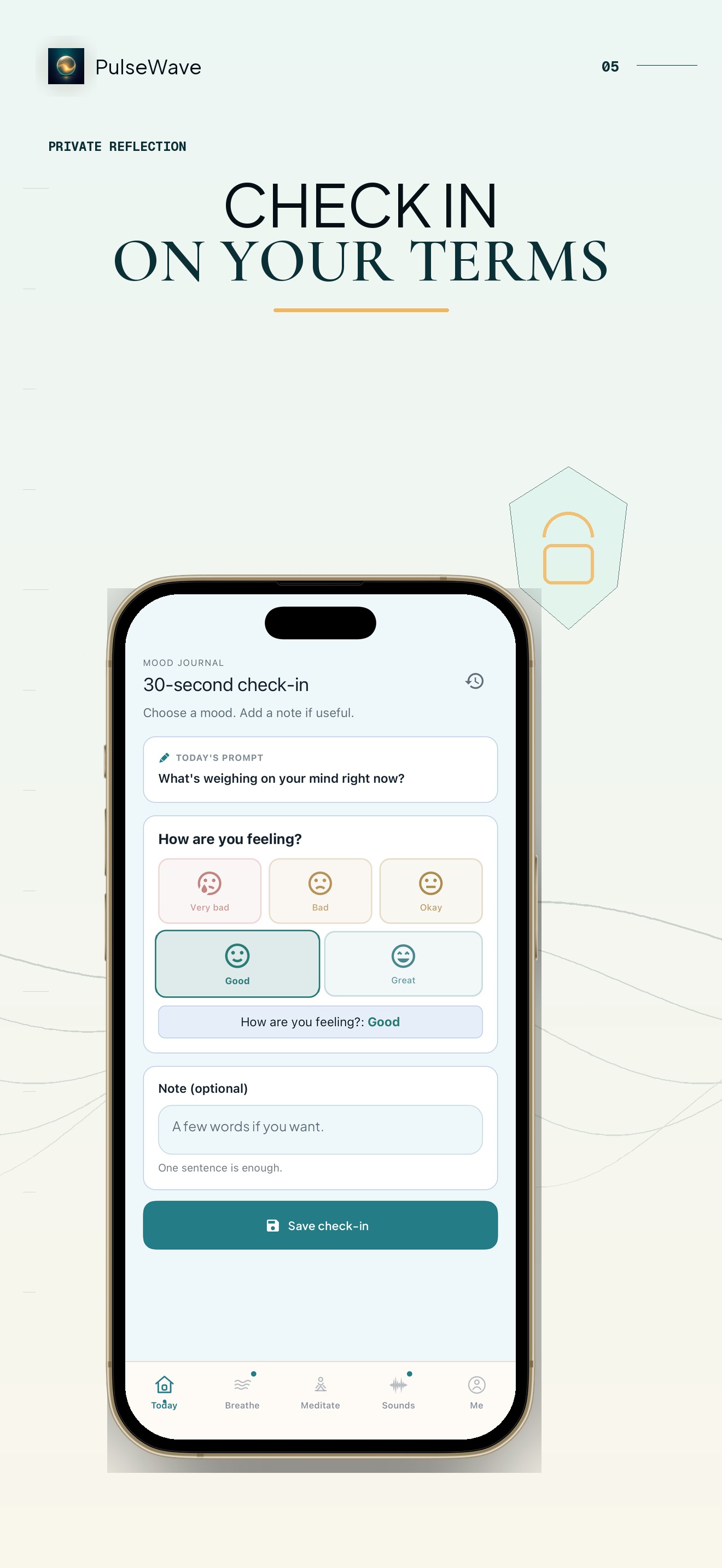
PulseWave’s reflection flow lets you choose a mood and add an optional note. Journal and mood entries stay on the device by default. Cloud sync is a separate choice, not a requirement for writing the entry.
This article explains that product boundary. It does not claim that mood tracking diagnoses a condition or improves mental health.
What can you record?
The check-in is deliberately small: select the closest available mood and add a few words if they help. A note can describe the situation rather than explain your entire day: “slept late, difficult meeting, better after lunch” is easier to revisit than an abstract score.
You can also leave the note empty. The app does not need a polished diary entry every time. A sparse record is still personal information, so the storage choice matters even when the text is short.
A mood label is a self-observation, not a clinical measurement. It should not be used to diagnose anxiety, depression or another condition.
Where is the entry stored?
PulseWave keeps journal and mood entries on the device by default. That means creating a check-in does not automatically publish it to a High Road account or place it in a named social profile.
On-device storage also gives the device and its backups an important role. Screen lock, device access and backup choices affect who can reach local information. “Local” does not mean immune to loss if the phone is damaged or erased.
If you enable cloud sync separately, the boundary changes. PulseWave uses Firestore for that optional sync after consent. Read the setting and privacy text before enabling it rather than assuming every cloud icon means the same thing.
Why does PulseWave use an anonymous identity?
The app uses an anonymous Firebase identity and RevenueCat for requested account or subscription functionality. A named PulseWave account is not required for the default journal entry, but supporting services can still process technical identifiers needed for the functions you request.
Optional analytics, diagnostics and notifications are consent-gated in the documented product boundary. Advertising and cross-app tracking are not part of the approved privacy statement.
This is why “PulseWave collects nothing” would be inaccurate. A better description names each purpose and separates default on-device content from services used for purchases, optional sync or consented diagnostics.
Write as if the phone may be seen
Before recording sensitive names, medical details or workplace information, consider whether the entry needs them. A useful note can often describe the trigger and next action without identifying another person.
Use the device passcode and the privacy controls available on the iPhone. If someone else regularly knows the passcode, local storage does not create a private boundary from that person.
Do not copy a private entry into support email unless it is necessary. Email creates a separate copy governed by the mail services involved.
What should you check before enabling sync?
- Confirm that sync is a separate opt-in.
- Read which content and identifiers the sync service processes.
- Decide whether the cross-device benefit is worth moving entries beyond device-only storage.
- Check how to turn sync off and what deletion covers.
The current PulseWave privacy policy is the canonical place for those details. Store metadata and a blog summary should agree with it, but the policy carries the full boundary.
Use the journal as a record, not a verdict
After a week, look for context rather than a score to optimise. Are entries clustered around a time, task or situation? Are there missing days because the check-in was not useful then? The record can support reflection without becoming a claim about progress.
If recurring distress, safety concerns or symptoms affect daily life, a consumer journal is not a crisis service or professional care. Contact an appropriate local professional or emergency resource for the situation.
Can you try PulseWave without syncing?
Yes. Journal and mood entries stay on the device by default, and sync requires a separate choice. PulseWave is a free download with optional Premium subscriptions; Apple shows the current offer and eligibility in the storefront.
Make one brief check-in, then read the privacy setting before deciding whether device-only storage or optional sync fits you.