SongForge / A practical guide
Local AI music starts with the model on your Mac
What the 6–15 GB setup changes, what stays local and how to make the first generation a useful test.
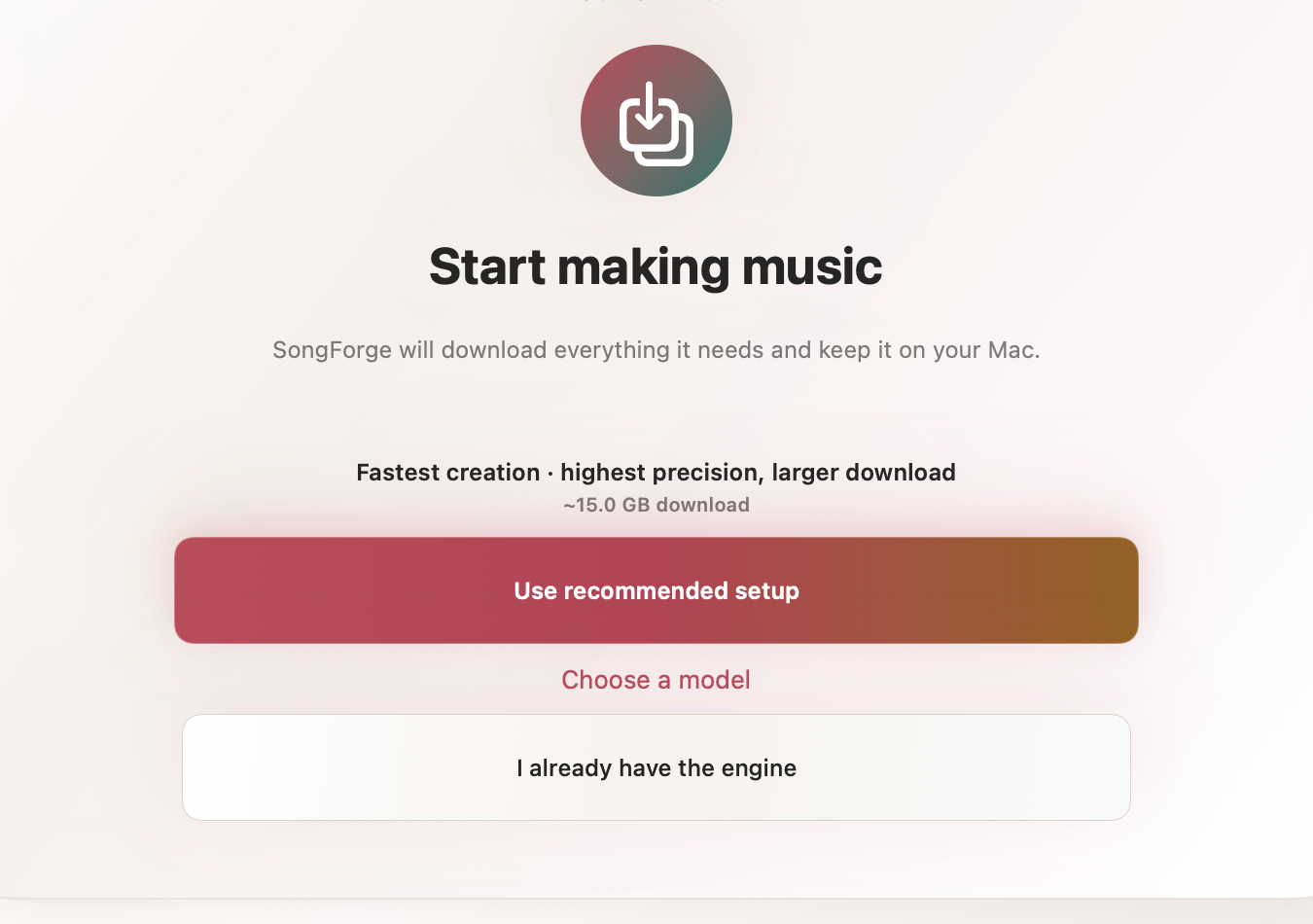
Local AI music on a Mac begins with a download, not a prompt. SongForge needs a compatible music model before it can create a take. The model stays on the Mac and is large enough to affect storage, setup time and the kind of machine you will want to use.
That changes the first-session question. Instead of asking only “what song should I make?”, it is worth asking which model fits the available disk space and whether this is the moment to wait for a multi-gigabyte download.
SongForge makes that requirement visible before the first generation. Here is what the setup means in practical terms.
What does SongForge download?
SongForge uses a compatible ACE-Step model for local music generation. The current setup choices require roughly 6–15 GB, depending on quantization. A larger option can preserve more model precision, while a smaller one reduces the download and storage commitment.
Those sizes describe the model file, not the total free space you should leave on the Mac. Generated tracks, temporary work and exported audio also need room. If the disk is already close to full, clear a sensible margin before starting rather than treating the model size as the final byte.
The model is a prerequisite, not a subscription. SongForge includes three completed creations after setup. Continued creation and MP3 or WAV export require the one-time Pro unlock.
Why does the model live on the Mac?
After model setup, SongForge’s normal standalone generation workflow runs locally. Prompts, lyrics, source audio and finished takes remain in the Mac workflow instead of being sent to a hosted generation account. There is no SongForge account required to generate.
“Local” still has boundaries. The initial model download uses the network. The Mac App Store handles the app and purchase. Links you choose to open are external, and any separate remote backend you explicitly configure has its own path. The SongForge privacy page describes those exceptions rather than using “offline” as an absolute label.
The trade-off is straightforward: the Mac supplies the storage and compute that a hosted service would otherwise supply. Generation time therefore depends on the machine and model. Apple silicon is recommended, and SongForge requires macOS 14 or later.
Choose the setup before choosing the song
Start by checking three things:
- Available space. Leave room beyond the quoted model size for tracks and exports.
- Time. Begin the download when the Mac can stay awake and connected long enough to finish it.
- Purpose. If you are only evaluating the workflow, the smaller compatible option can make the first experiment easier. If you already know you want the higher-precision setup, choose it once and keep the file in place.
SongForge also lets people who already have a compatible engine choose the existing file. That avoids a duplicate download, but compatibility still matters. A file being called “a music model” does not make it interchangeable with the model format the app expects.
What happens after setup?
The useful test is deliberately small. Open Simple creation, describe one musical direction and generate a take. Avoid combining a dozen genres and instruments in the first prompt. A concrete brief such as “slow electronic pulse, dry drums, restrained alto vocal, chorus opens with warm synth chords” gives you details to listen for.
When the take finishes, play it from the local Library. Name it for the decision you were testing. If the result misses the direction, change one meaningful part of the brief before the next creation. The first three completed creations are enough to learn whether the workflow belongs in your process; they are not a promise that every prompt will produce a keeper.
Is local music generation the right fit?
Choose a local workflow when keeping the creative material on the Mac, avoiding a generation account and retaining local files matter more than instant access from any browser. Choose a hosted tool when you cannot spare the model storage, need generation from several devices or prefer the provider to supply the compute.
SongForge is not a DAW replacement and does not guarantee commercial rights, uniqueness or studio-quality output. It is a native workspace for hearing a direction, comparing takes, reworking source audio and exporting the result after the Pro unlock.
Check the free space on your Mac, choose one compatible model setup and make the first prompt specific enough to judge.